Notifications and delivery
Reach signers where they already are — email, SMS, or WhatsApp — with controlled sender identity, reminder cadence, and expiry alerts.
Supported notification channels
| Channel | Delivery type | Sender identity control | Best for |
|---|---|---|---|
| Signing link in message body | Custom domain + from name | All general workflows | |
| SMS | Signing link in text | Sender ID (where supported) | Mobile-first signers, time-sensitive |
| Signing link via WhatsApp message | Business account | Markets where WhatsApp is primary messaging |
Channel availability depends on your notification configuration and country. SMS and WhatsApp require separate account setup.
Sender identity controls
Every notification carries your identity, not ours. Configure sender details once at the tenant level.
Custom sending domain
Configure a custom domain so email notifications come from your domain, not a shared platform-provider origin.
From name and address
Set the from name and reply-to address per tenant. Signers see your brand, not an unfamiliar platform name.
Reminder cadence
Set how many reminders to send and at what intervals. Specify a maximum reminder count to avoid over-sending.
Expiry alerts
Notify signers as an envelope approaches its expiry date. Configurable advance-warning window per envelope.
Delivery events stay in the product
The inbox and tenant settings below are live admin screens. Notification bodies stay link-only — no document, no PHI.
Channel table, not marketing copy
Email, SMS, and WhatsApp are configured per tenant. Failures surface on the envelope, not in a black hole.
Settings match what operators change
Reminder cadence and expiry alerts live next to the rest of tenant settings — not a separate comms product.
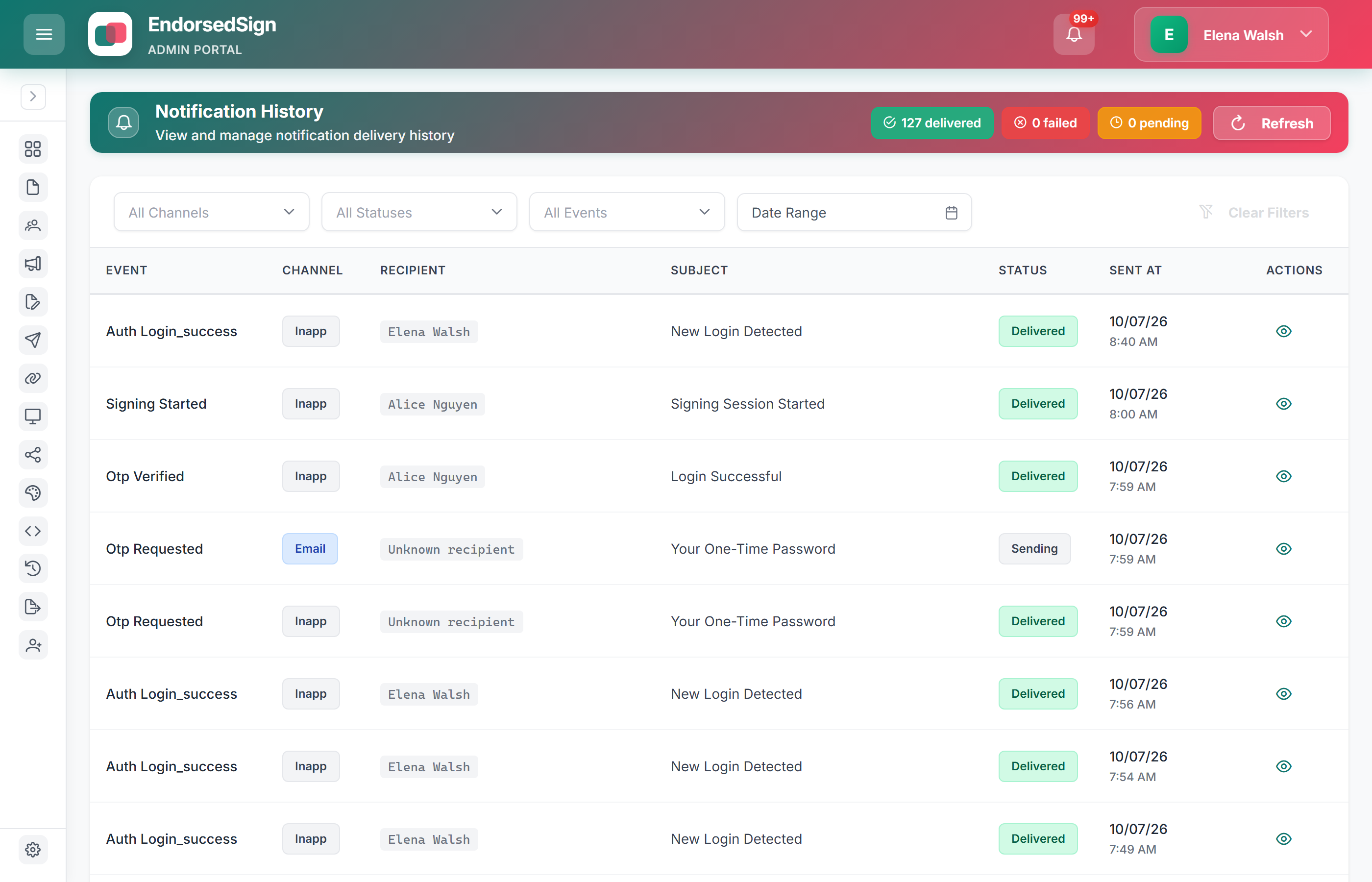
Tenant-level delivery defaults
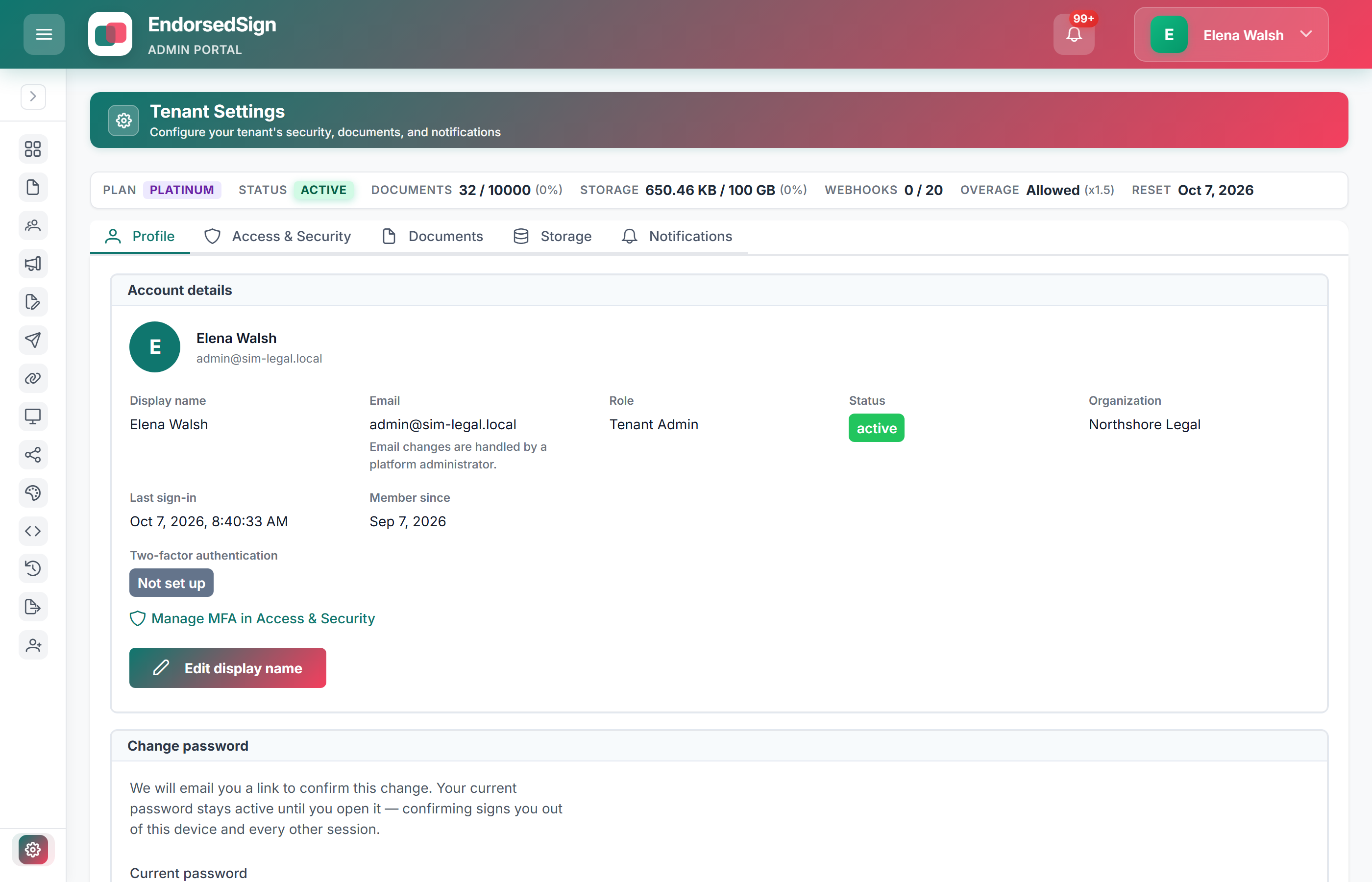
Configure your sender identity in sandbox
Sandbox tenants let you test custom domains and notification channels before going live.