Branding and custom domains
Every signer-facing surface carries your name — logo, palette, sender identity, and signing links hosted on your own domain.
What you can put your name on
Branding is applied at the tenant level. Every surface a signer touches can reflect your identity instead of ours.
Logo and colour palette
Upload your logo and set primary and accent colours. The signer portal renders your brand on every screen the signer sees.
Notification sender identity
Email from your domain with your name in the from field. Signers recognise the sender before they open the message.
Custom signing domain
Signing links resolve to your domain, not endorsedsign.com. Combine with your SSL certificate for a fully owned signer URL.
Signer-facing copy
Customise the text signers see on the signing path — instructions, branding straplines, and completion messages.
Origin controls
Restrict embed and API access to allowed origins. Prevents your signing surface from being loaded from unauthorised domains.
Multi-tenant isolation
Each tenant has independent branding. A SaaS platform with multiple tenants can give each one its own identity without cross-contamination.
Brand the workspace, then the signer path
Logo, palette, and copy are tenant settings. Custom domains are a separate operator screen — both are real product, not a sketched portal.
Applied once per tenant
Every envelope inherits the same identity. SaaS platforms give each downstream tenant its own brand.
Attribution follows plan branding rules
The signer success-page attribution link is shown for non-white-label tenants and suppressed for white-label tenants.
Your domain, our certificate renewal
Point DNS at the signing host. You keep the subdomain.
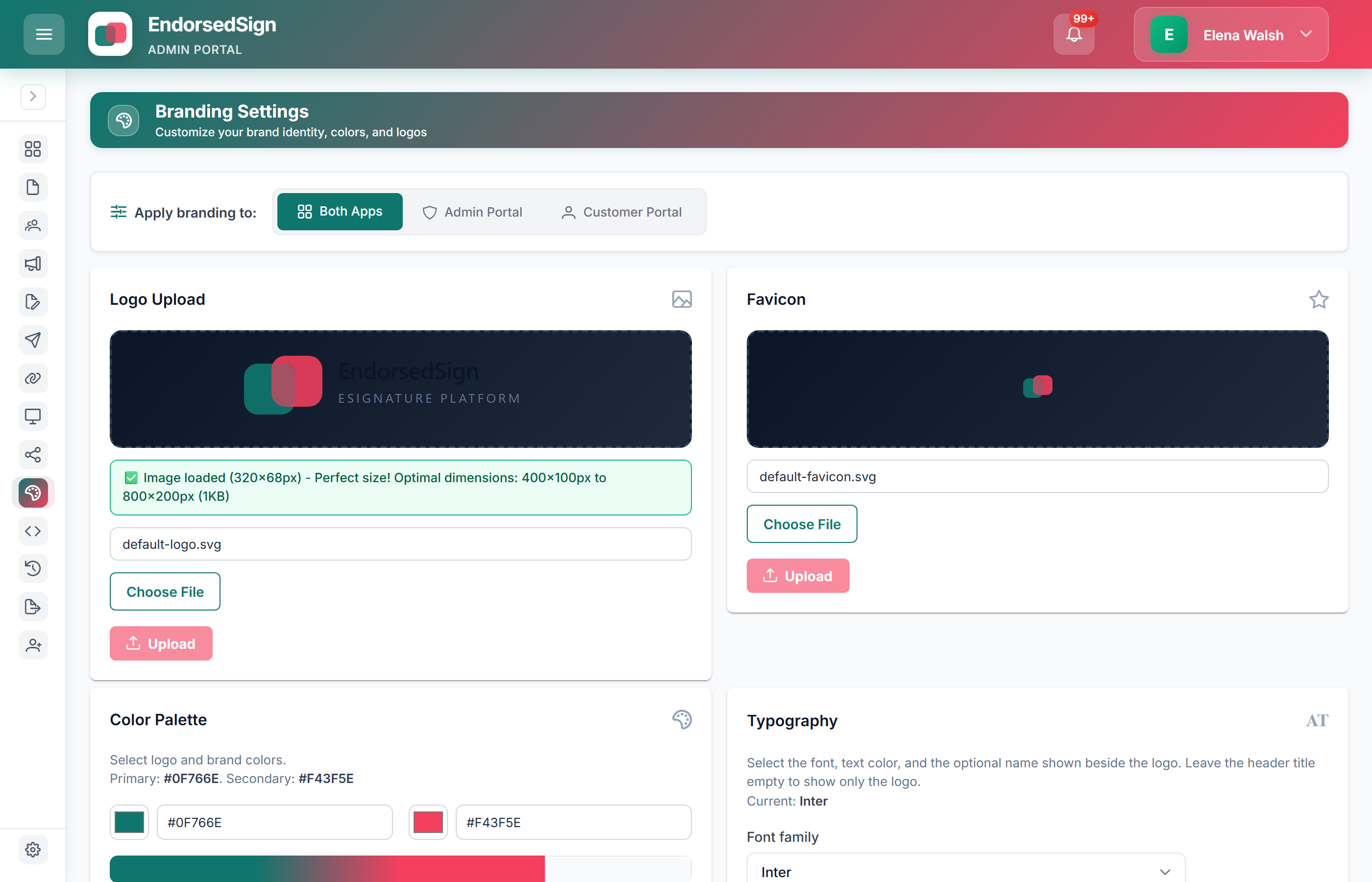
Domain + signer surface
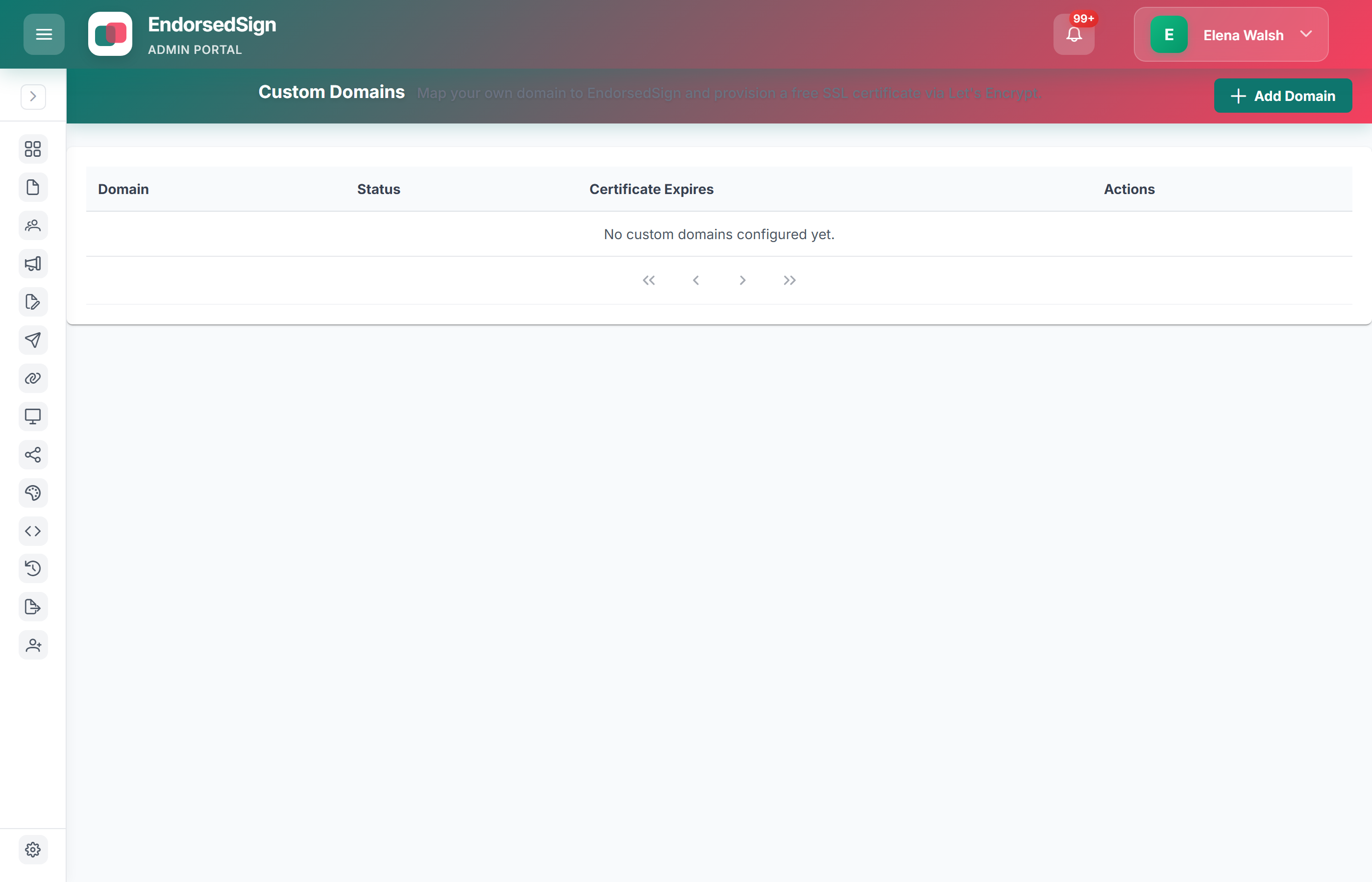
Preview your brand on the signer path
Start a trial and we will set up a sandbox tenant with your logo and colours applied to the signer portal.