Real estate teams
Leases and disclosures signed at viewing or remotely — same workflow, same audit trail, without scheduling a second appointment.
Lease signed on device
Kiosk mode — no inbox required
Second appointments needed
Remote countersignature as an option
Sealed copy available
Downloaded before you leave the property
Audit trail
Timestamp, OTP confirmation, document hash
When teams use EndorsedSign in real estate
Lease agreements
Tenant signs on-site at the viewing. Landlord countersigns remotely. Both copies sealed and stored. No follow-up printing.
Disclosure forms
Mandatory disclosure forms are sent ahead of or at the viewing. Digital signature with OTP confirmation satisfies disclosure requirements in most jurisdictions.
Offer and acceptance
Buyer submits signed offer via link. Seller countersigns or declines. Every counter-offer is a new envelope from the same template — version confusion eliminated.
Inspection reports
Inspection sign-off and punch-list acceptance captured in one multi-signer envelope. Each party signs in their required sequence.
How an at-viewing lease signing works
- 1
Agent opens kiosk session
Agent opens the lease template in kiosk mode on a tablet or laptop at the property.
- 2
Tenant signs on device
Tenant completes reading, fills any required fields, and signs. No account or app required. Session is tenant-only — agent workspace is locked.
- 3
Agent workspace resumes
After tenant signing, agent authenticates back into the admin workspace. The envelope is in 'pending countersignature' state.
- 4
Landlord countersigns remotely
Landlord receives a notification and countersigns from any device. Completed lease is sealed, stored, and available to download immediately.
Common questions from real estate teams
Leases in the same documents workspace
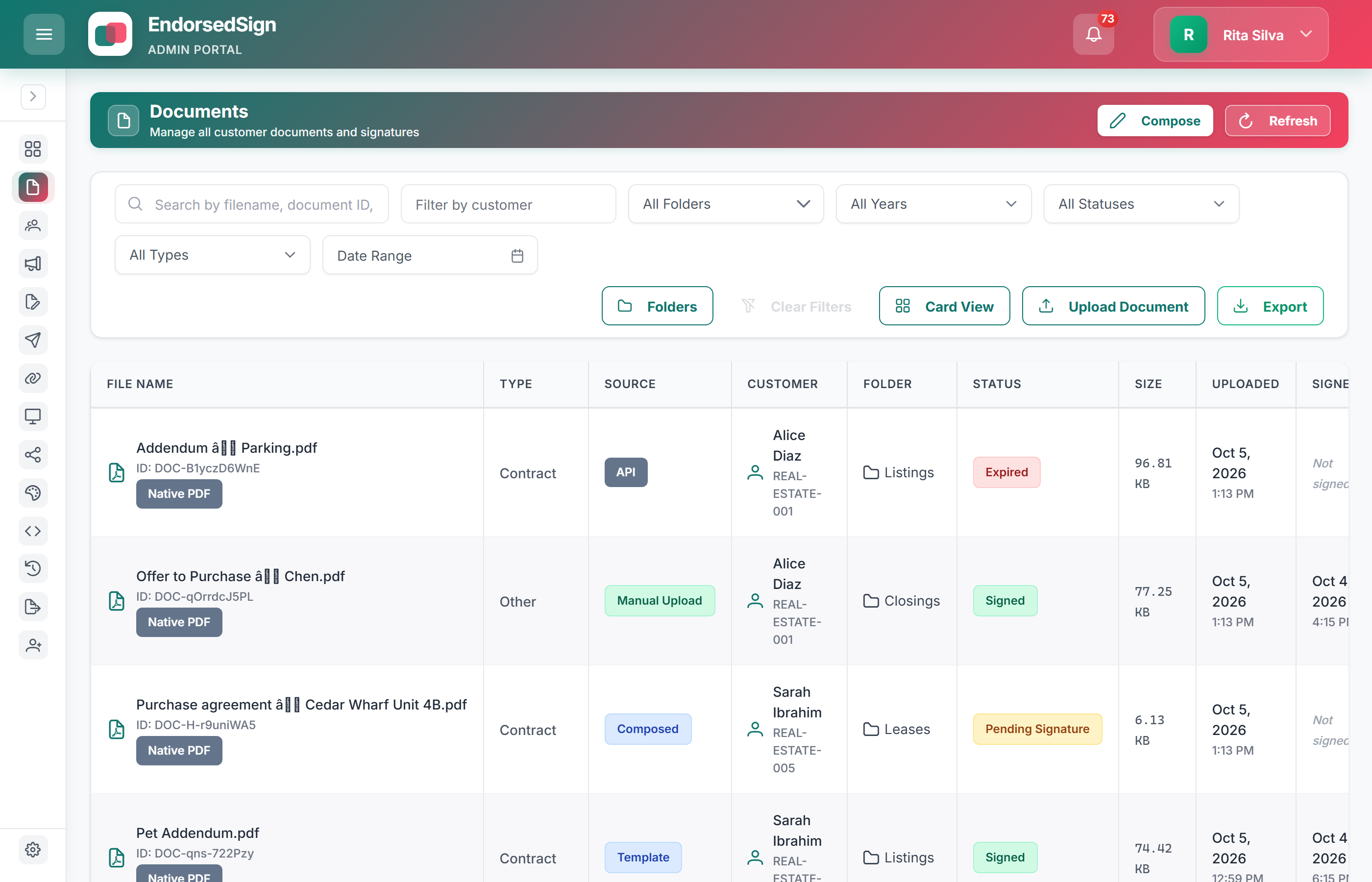
Green Property’s admin list is a live real-estate tenant — not a sketched pipeline.
Test the at-viewing workflow in your sandbox
We will set up a lease template with kiosk mode enabled. Complete the full signing flow in under 10 minutes.