Live collaboration
Place fields together before sending — real-time presence, guest links, and a review-and-lock step that prevents accidental sends.
How collaborative field placement works
- 1
Open document for collaboration
Staff member opens a document for collaborative editing and shares a guest link with colleagues or external reviewers.
- 2
Place fields in real time
Multiple collaborators see each other's presence and can add, move, or adjust fields simultaneously without stepping on each other.
- 3
Review and lock
When field placement is complete, the document owner locks it for review. No further edits until lock is released or approved.
- 4
Send with confidence
Once locked and approved, the envelope is ready to send. Authoring traceability is preserved in the audit trail.
Guest links for people outside the tenant
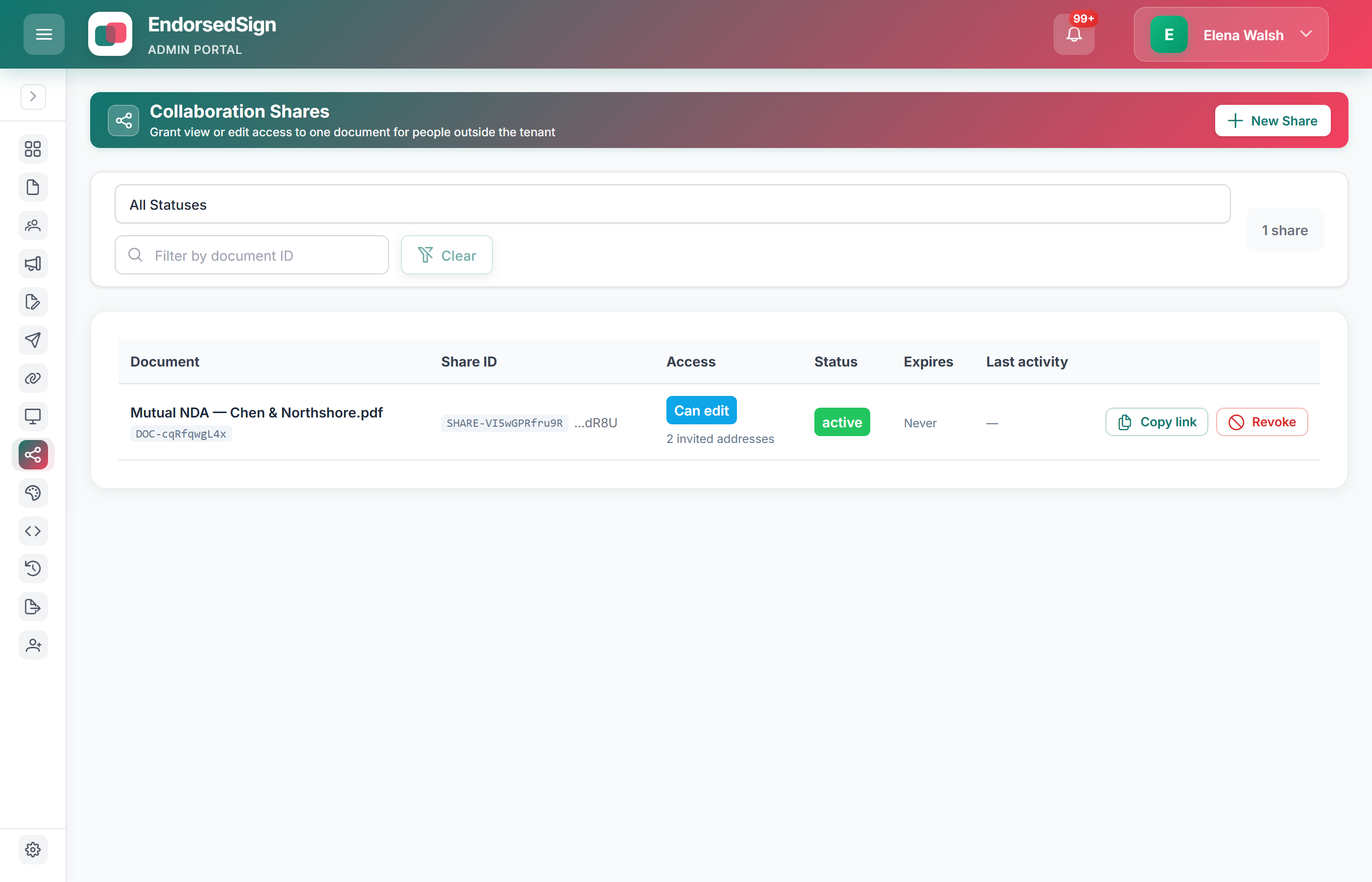
Mint a view or edit share, invite addresses, copy the link once, and revoke it when the review is done.
Staff edit, guests review
Field-placement editing needs a staff login. External guests comment without an account.
Review-and-lock
Once locked, nobody can silently change the pack after review is finished.
Recorded on the trail
Who joined and what they changed is an audit event with a correlation ID.
Who uses it
Legal teams
Paralegal and associate place fields together before the partner locks. No email ping-pong.
Learn more →Client-facing review
Share a guest link with an external client. No account required for guests.
Learn more →Try collaborative field placement
Open a sandbox document with two browser tabs to see real-time presence and the review-and-lock flow in action.